
How to Switch From Individual to Professional on Amazon
August 22, 2026
To switch from Individual to Professional on Amazon, sign in to Seller Central, go to Settings → Account Info → Manage (or head straight to “Your Seller Account”), choose Upgrade to Professional, and confirm your payment method. The change takes effect immediately: you stop paying the fixed per-item fee and start paying the monthly subscription instead. Your entire catalog, your reviews, and your history stay exactly as they are; you lose nothing you already built.
The real decision isn’t where to click, it’s when it pays off. The Individual plan charges a fixed fee for every unit you sell (on top of category referral fees), while Professional charges a flat monthly subscription and frees you from that per-unit fee. There’s a clear break-even point: once you sell enough units per month that your fixed fees add up to more than the subscription, Professional is already the cheaper plan. In practice, that crossover lands somewhere around a few dozen sales a month.
This guide walks you through the switch step by step, shows you how to know whether it already pays off based on your real numbers, covers the new features you unlock (Buy Box, business reports, advertising, bulk listing), and explains how to avoid overpaying when your volume rises and falls month to month. If you also sell on MercadoLibre or hold stock in a 3PL, you’ll see at the end why looking at one channel at a time is exactly what makes this decision feel harder than it should.
what actually differs between individual and professional
The Individual plan is built for someone just getting started or selling occasionally. There’s no subscription, but every unit you sell carries a fixed per-item fee, on top of the category referral fee. It’s convenient for testing the waters, but each sale costs you a little more.
The Professional plan flips the equation: you pay a monthly fee and that fixed per-unit charge disappears. From there, the more you sell, the less the subscription weighs proportionally. But price isn’t the only thing that changes. Professional unlocks features that simply don’t exist on Individual, and several of them are what actually grow a business: eligibility for the Buy Box, bulk inventory upload, business reports, promotions, and API access to connect external tools.
Put differently: Individual is a pricing tier; Professional is a platform. When you decide to switch, you’re not just optimizing costs, you’re opening the door to selling with the same tools established sellers use.
how to switch from individual to professional step by step
The process takes under two minutes and never interrupts your sales:
- Sign in to Seller Central with the account you want to upgrade.
- Click the gear icon (Settings) in the top right.
- Go to Account Info.
- Find the Your Services or Manage selling plan section.
- Select Upgrade to Professional (or “Switch to Professional plan”).
- Confirm or update the payment method the monthly subscription will be charged to.
- Accept, and you’re done: the change is active immediately.
You don’t need to re-upload products or reconfigure your catalog. Your listings, your inventory, your open orders, and your performance history all stay intact. The first subscription charge usually applies on your next billing cycle, and from that point on the fixed per-unit fee stops showing up in your fee reports.
If you ever wanted to go back to Individual, the path is the same: you head to the same section and choose to downgrade. Amazon lets you move back and forth, though as you’ll see below, doing it by hand every month is exactly the kind of task that ends up forgotten.
when it pays off: the break-even point
The rule is simple. Add up what you’d pay in fixed per-unit fees in a month based on your expected sales, and compare it to the cost of the Professional subscription. If the fixed fees exceed the monthly fee, switch. If you don’t get there, stay on Individual for now.
The typical crossover sits at a few dozen sales a month. Below that, the subscription eats your margin in slow months; above it, every extra sale on Individual costs you more than it should. But the exact number depends on your category, your average ticket, and your seasonality, so it’s worth calculating with your data, not a generic average.
And here’s the important nuance: counting units isn’t enough. What really decides whether the switch pays off is your real net margin after referral fees, per-item fees, shipping, and advertising. A month with lots of sales but thin margins can fool you. To avoid getting it wrong, look at volume, fees, and margin together, not separately. In our guide on how much does Amazon Seller Central cost we break the fees down so the math is clear.
what features you unlock by going professional
Beyond the volume savings, Professional gives you tools that change how you operate:
- Buy Box eligibility. On Individual you don’t compete for that featured buy button; on Professional you do. This alone can justify the switch if you sell products where several sellers offer the same item.
- Advertising (Sponsored Products). You can create campaigns and measure their performance. This is where your ACoS comes in: no advertising means no ACoS to optimize, and no Professional plan means no advertising.
- Bulk upload and business reports. You upload hundreds of products via files and get sales, traffic, and conversion reports that don’t exist on Individual.
- Promotions and special pricing. Coupons, volume discounts, and deals.
- API access. You can connect your account to sales-intelligence tools to automate what you do by hand today.
That last point is key for the seller who already sells in several places. Professional doesn’t just give you data, it gives you the door (the API) to pull it out and cross it with your other channels without copying and pasting from one dashboard to another.
the mistake of deciding while looking at one channel
Here’s the real pain. Most sellers decide to switch plans by looking only at the Amazon report, in one tab, at the end of the month. But if you also sell on MercadoLibre, run a Shopify store, or move stock from a 3PL, your real volume is spread out and your real margin depends on all those fronts at once.
It happens over and over: you export the Amazon report to Excel, open another tab for MercadoLibre, dig up the 3PL cutoff, and try to build by hand a number that tells you whether you’ve already crossed break-even. By the time you’re done, the data has already changed. And if your volume climbs in peak season and drops in the low season, you’re deciding on stale information: you stay on Individual paying fixed fees you shouldn’t, or you jump to Professional right before a slow month.
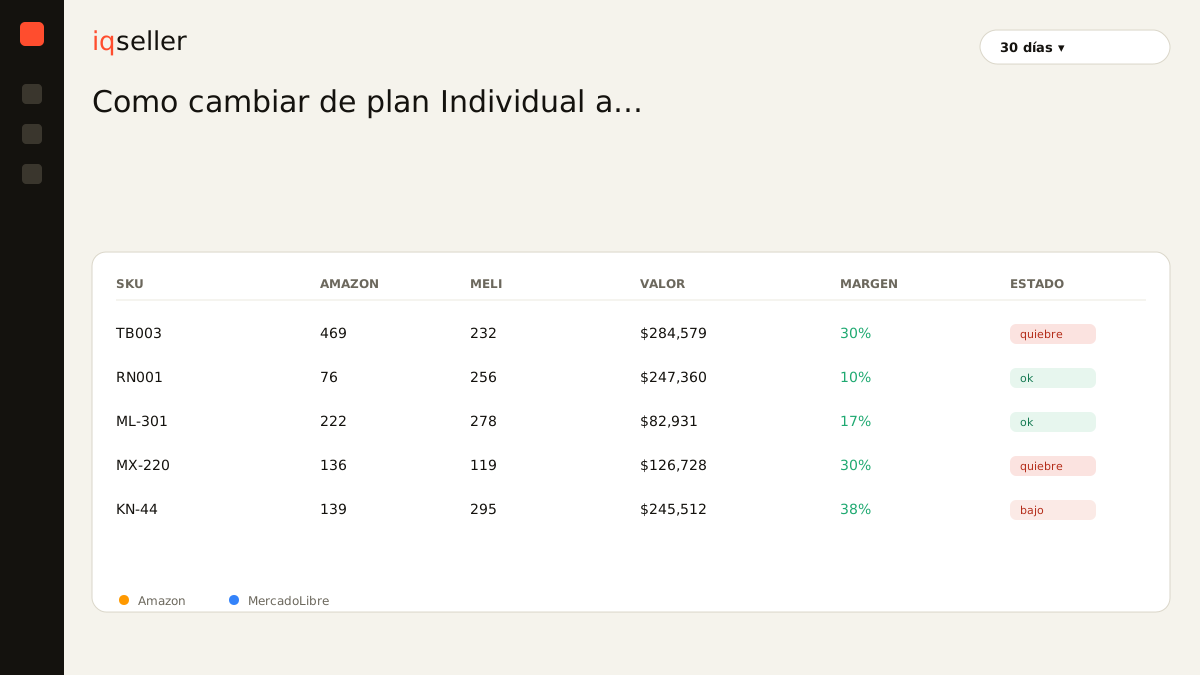
The problem isn’t a lack of data, it’s that it’s scattered. When you see your Amazon, MercadoLibre, Shopify, and 3PL sales in one place and in real time, the plan decision stops being an end-of-month hunch and becomes a number you can read any day. That’s where iqseller pulls everything together under a unified catalog: same product, every channel, one dashboard. You see your consolidated volume, your margin by channel, and how much each fee is really costing you, without exporting anything.
how to avoid overpaying when your volume fluctuates
If your business is seasonal, the optimal plan can change from one month to the next. In peak season Professional saves you money; in the low season, that same subscription can weigh more than the handful of fixed fees you’d have paid on Individual.
The fix isn’t switching plans by hand every month (nobody keeps that up), but having a clear signal in view of when projected volume justifies each plan. If you monitor your consolidated sales and see next month coming in slow, you have time to decide with a cool head. If you see the season ramping up, you go Professional before losing Buy Box and advertising right when they sell most.
In practice, most sellers who have sustainably crossed the few-dozen-sales-a-month mark stay on Professional and don’t go back, because the features (Buy Box, advertising, reports) are worth more than the marginal savings of one slow month. The plan change is reversible, but when your business is serious, Professional stops being an option and becomes the floor.
in short
Switching from Individual to Professional on Amazon is a two-minute task inside Seller Central, with no loss of catalog or history. What really matters is the when: switch once your fixed per-unit fees exceed the monthly subscription, and remember that Professional doesn’t just save money, it also unlocks Buy Box, advertising, and reports that grow the business.
The decision only gets hard when you make it looking at one channel at a time. Selling on Amazon, MercadoLibre, Shopify, and 3PL from separate dashboards forces you to guess your real volume and margin. Seeing it all consolidated and in real time turns that guess into a number, and that number tells you, on any day of the month, whether it’s already time to go Professional.