
Clicks per listing: what they tell you and how to turn them into sales
June 23, 2026
Clicks per listing are one of those metrics every seller glances at on MercadoLibre and Amazon, but few read well. A click isn’t a sale: it’s an intent. It’s someone who saw your product among dozens and decided to open it. How many clicks each listing gets, and what happens after that click, tells you a lot about where your problem really is —and where your next sale is—.
What a click counts
A click per listing is each time a potential buyer taps your product in search results or in a campaign, and lands on the listing page. On MercadoLibre you see it per listing; on Amazon, per ASIN/campaign. It’s the first measurable step of the funnel:
Impressions → Clicks → (product page) → Purchase
Each step has its metric: impressions measure visibility, clicks measure appeal, and conversion measures whether the page closed the sale.
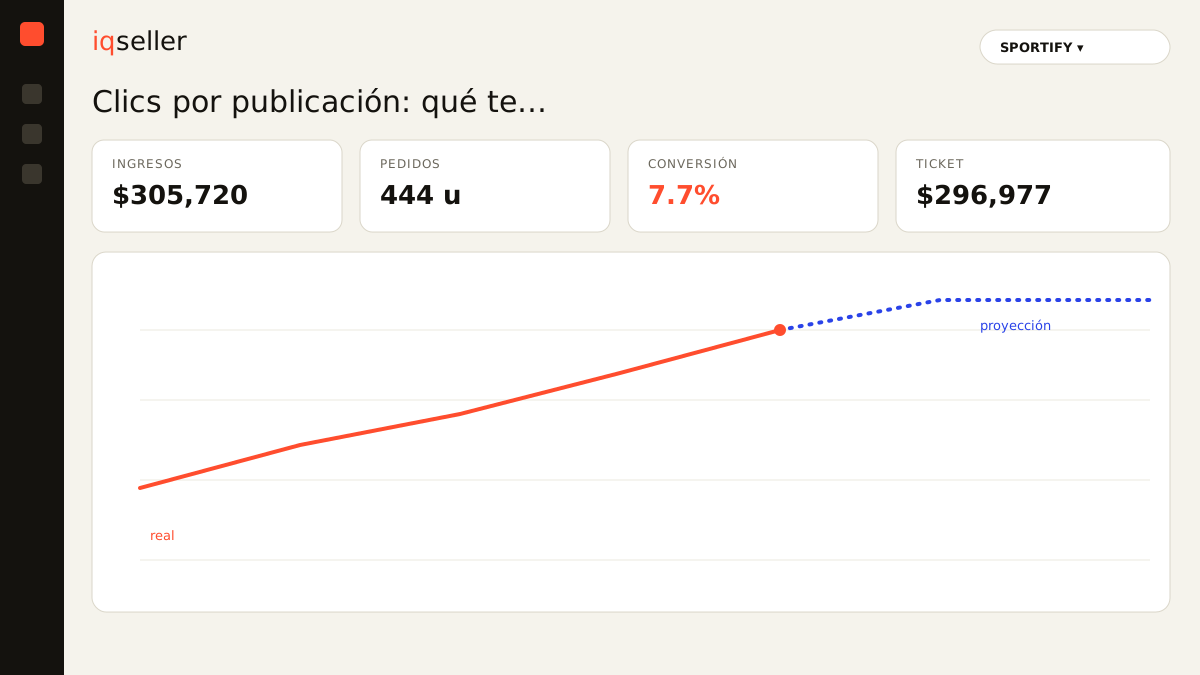
High clicks, low sales: the diagnosis
Here’s the metric’s real value: crossing clicks with what happens next.
- Few clicks, many impressions → your product shows up but doesn’t convince: the problem is the thumbnail, title or price versus the competition. It’s not the inner page; it’s the thumbnail.
- Many clicks, few sales → people enter but don’t buy: the problem is inside the listing (photos, description, reviews, price, availability) or shipping cost. Raising ad spend here only pays for more clicks that don’t close.
- Many clicks and good conversion → congrats, you have a winner: that’s where pushing with advertising pays off.
Without this reading, it’s very easy to overspend. Many sellers see “my clicks went up” and celebrate, when they’re actually paying for traffic that doesn’t convert.
Dictionary: ACoS, to know what each click that actually sells costs you →CTR: clicks in context
Absolute clicks mislead if you don’t view them against impressions. That’s why CTR (click-through rate) exists: clicks ÷ impressions. A product with 100 clicks from 2,000 impressions (5% CTR) is more appealing than one with 100 clicks from 20,000 impressions (0.5%). CTR tells you whether your thumbnail and title are winning the first-second battle.
And clicks connect directly to ACoS: if you pay for clicks that don’t convert, your ACoS spikes. Optimizing quality clicks —not clicks alone— is what keeps advertising profitable.
The multichannel pain: clicks here, sales there, all in different tabs
The usual operational problem. MercadoLibre clicks live in its ads panel; Amazon’s, in Amazon Ads; sales and inventory, elsewhere; and margin, in a spreadsheet. To answer “does this listing get clicks that turn into profitable sales?” you have to jump between four screens and cross numbers by hand. Per listing. On two channels. It’s exactly the kind of task no one does in time, which is why advertising decisions end up as hunches.
When clicks, conversion, ACoS and real margin live in the same table —per listing and per channel— the diagnosis is a glance away: this listing needs a better thumbnail, this one needs more inventory before investing, this one is ready to scale.
Dictionary: real net margin, so you don’t celebrate clicks that lose money →What to do with your clicks, in short
- Always view clicks + CTR + conversion together, not clicks alone.
- Low CTR → work the thumbnail, title and price.
- High clicks without sales → fix inside the listing before paying for more ads.
- Good clicks + conversion → scale with advertising and watch the ACoS.
- Always cross against inventory: don’t invest in clicks for a product about to run out.
Clicks per listing aren’t a vanity metric. Read well —next to CTR, conversion, ACoS and margin— they tell you exactly what to fix to turn intent into profitable sales.
Dictionary: Buy Box, another factor that decides how many clicks end in a purchase →