
One panel for the whole team: roles and permissions
March 20, 2026
When you start selling online, it’s almost always just you. You upload the listings, you check the stock, you answer the questions on MercadoLibre, you log into Amazon Seller Central to see whether the disbursement landed. But the business grows, and one day it isn’t only you anymore: it’s your partner, the customer-service person, whoever runs the warehouse, the accountant who pulls the fees report at month’s end. Suddenly the bottleneck isn’t selling more, it’s who can see what, who can touch what, and who finds out when something changes.
The problem rarely announces itself. It shows up disguised as small things. You share your Seller Central password with an assistant so they can update prices, and without meaning to, you also handed them your banking details. The warehouse person asks you to send the inventory in an Excel file every morning, so you end up exporting by hand, copying columns, and shipping a file that was already stale the moment it was born. The accountant needs the month’s numbers but you don’t want to give them the run of the whole panel, so you take screenshots. Each of these patches works once. Added together, they’re a way of operating on yesterday’s data, never quite sure who changed what, hoping nobody deletes something important.
This article is about why a single panel with well-designed roles and permissions stops being a luxury once more than one person is touching your multichannel operation, and what changes when the whole team looks at the same truth instead of scattered copies of it.
the invisible cost of shared passwords
The most common way to “give someone access” is also the worst: handing over your own username and password. It sounds practical until you think about it for two seconds. That person can now do everything you can do, including changing payment details, closing your account, or rewriting the pricing on a hundred products in one go. And when something goes wrong, there’s no way to know whether it was them, you, or the third person you also gave the key to six months ago.
The marketplaces don’t help much here. Amazon Seller Central has its own system of users and permissions, MercadoLibre runs a different one, and your 3PL probably has a third portal with its own logic. Each platform was designed to manage access to itself, not to your business as a whole. The result is that a multichannel seller ends up administering three or four sets of permissions that don’t talk to each other, and none of them answers the question that actually matters: what can each person on my team see and do, across all my channels, at once?
Centralizing access in a single panel isn’t just convenience. It’s being able to revoke someone with one click when they leave the team, instead of trying to remember how many platforms knew the old password.
what a role really means
A role isn’t a job title on an org chart; it’s a set of things a person can see and do. The distinction matters because your business rarely fits generic labels. The customer-service person needs to see orders, shipping status, and questions, but has no reason to see your margin or touch prices. Whoever runs the warehouse needs to view and adjust stock, but financial reports are noise to them. The accountant wants the sales, fees, and commission numbers, but doesn’t need to answer a single buyer question.
When you define roles this way, you stop thinking in terms of “do I trust this person or not” and start thinking “what does this person need to do their job.” It’s a subtle shift, but it frees up a lot. You can add people to the team without the knot in your stomach of opening up the entire business. And you can give a freelancer access to one single thing for a month with no risk of them seeing more than they should.
Dictionary: the real available stock is what you can actually sell right now, after subtracting in-process orders and reservations; it’s the number your warehouse team should see, not the theoretical one.the trouble with many sources of truth
When each person works from their own copy of the information, the business starts contradicting itself. The warehouse says there are 40 units because that’s what the morning Excel said. Customer service promises a buyer there’s stock, based on what they see in MercadoLibre. Meanwhile, on Amazon, 12 units already sold that nobody subtracted from the shared file. Three people, three numbers, one reality that matches none of them.
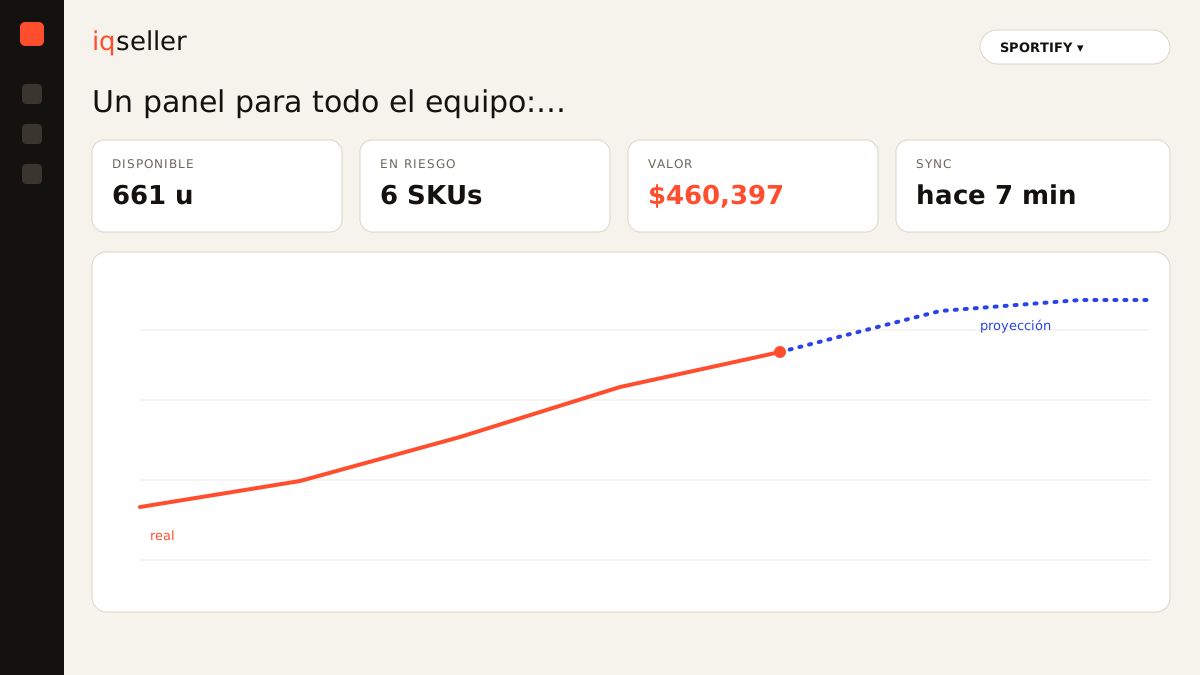
This is where a panel with real-time inventory changes the conversation. If everyone looks at the same live figure, synced across Amazon, MercadoLibre, Shopify, and your 3PL, the contradictions vanish because there are no more copies: there’s a single source. The warehouse, customer service, and you are all seeing exactly the same thing, updated to the second, each within their own role.
This also ends the ritual of exporting to Excel just to “put the info together.” Excel isn’t the enemy, but using it as glue between platforms always produces a number that was born stale. When the panel has already integrated everything, the report isn’t assembled by hand: it’s looked at.
Dictionary: real-time synchronization is what makes a change in one channel appear instantly in the panel and for the whole team, with nothing exported or copied by hand.visibility without losing control
There’s a natural tension every seller feels while scaling: you want the team to have the information to do their job well, but you don’t want to lose control of what’s sensitive. The answer isn’t to hide everything or open everything; it’s to separate seeing from doing.
A good permissions system distinguishes between who can view a piece of data and who can modify it. Your accountant can see the net margin without being able to change a single price. An assistant can update prices within a range you defined, but not outside it. The warehouse person adjusts stock but can’t delete a product. Each permission is a tiny decision that, added up, lets you delegate for real instead of delegating in fear.
And because each action is tied to a person, not to a shared password, you can finally answer “who changed this price?” without launching an investigation. The record of who did what isn’t about surveillance; it’s so that mistakes get fixed fast and without crossed blame.
the team decides better when it sees the same thing
Beyond security, the real benefit of a shared panel is that decisions stop being made blind. When you decide to lower a product’s pricing, you do it looking at the same sales and fees data your partner sees. When customer service promises a delivery, they promise it against the real available stock, not a hunch. When the accountant closes the month, they start from the same numbers you operated on the whole period.
This cuts down that all-too-familiar feeling of deciding under uncertainty. Uncertainty rarely comes from missing data; it comes from not knowing whether the number in front of you is the good one or an old copy someone sent you over chat. When there’s a single source of truth and each person views it through their role, that doubt goes quiet.
For the numbers that matter to leadership, the report builder: build your view without a spreadsheet lets each role assemble the view they need without asking anyone: the accountant sees fees and commissions, you see margin and turnover, the warehouse sees stock coverage. Same base, different views, zero exports.
Dictionary: the real net margin is what’s actually left after product cost, marketplace fees, commissions, and shipping; it’s the number leadership should see, and one a well-set permission keeps out of view for anyone who doesn’t need it.how to start without overcomplicating it
You don’t need to design a perfect org chart on day one. Start with the riskiest part: stop sharing marketplace passwords. Create one login per person, even if at first everyone has broad permissions. Just separating identities already gives you traceability and the ability to remove someone without changing all your keys.
Then tune by pain. Does it bother you that customer service sees the margin? Take it away. Does it make you nervous that an assistant changes prices without limits? Cap them to a range. Does the accountant only log in at month’s end? Give them read-only access to the financials. Each adjustment solves a concrete risk you’ve already felt, not a hypothetical one.
The goal isn’t bureaucracy. The goal is for each person on your team to log into a single place, see exactly what they need for their job, in real time and across all your channels, while you sleep easy knowing who can do what. One panel for the whole team isn’t about controlling people: it’s about everyone playing on the same board, looking at the same truth, at the same time.