
Amazon's 75-character title limit: what changed and what to do
October 16, 2026
If you run a catalog on Amazon, chances are that at some point in recent months you opened a listing and found a title you did not write. Shorter, missing half the words you had fought to squeeze in, brand and model up front and the rest trimmed away. It was not a system glitch and it was not a competitor sabotaging you: it was Amazon applying its new rule.
The change was announced in June 2026 on the Seller Central forums and took effect on July 27, 2026. The rule in one line: product titles are capped at 75 characters, spaces included, in every category except media. At the same time a new field appeared, called Item Highlights, carrying 125 additional characters.
For many sellers this felt like an amputation. Long titles were for years the cheap SEO lever on Amazon: you packed in brand, model, color, size, material, two compatibilities and a synonym, and something indexed. At 75 characters that technique is over. It is not that you now have to write shorter — it is that you have to decide what information is worth the space, which is an entirely different exercise.
And there is one part that scared people more than the cut itself: Amazon said it would automatically rewrite listings that stayed above the cap. This article explains what exactly happened, what to do if a title was already rewritten, how to prioritize information inside the new character budget, and what to review across the whole catalog.
what the announcement actually says
It is worth sticking to the text, because a great deal of free interpretation circulated around this change.
The Seller Central forum announcement states that, starting July 27, 2026, titles in all categories except media must be 75 characters or less, including spaces. The media exception — books, music, video — is the only exempted category the announcement names explicitly.
On the new field, the text says Item Highlights provides an additional 125 characters for sharing materials or recommended use cases that help customers compare options, and that this content is searchable and visible with titles in search results and on product detail pages. In other words, Amazon did not remove space: it moved it to a different, more structured field with an explicit comparison job.
On the automatic application, the announcement says that after the deadline any titles still over 75 characters will be updated to the system’s recommendation gradually, and that listings stay active through the transition. The key word is “gradually”: this was not a single-day event, which is why in many catalogs the change kept surfacing for weeks.
And on the review window: enrolled brand owners get fourteen days before implementation to review, modify and approve the title and Item Highlights recommendations, in the listing changes review section inside Seller Central. Sellers not enrolled in Brand Registry get no such window and the change applies directly.
how global it is, and whether it applies on Amazon Mexico
Precision matters here, because this is where speculation runs hottest.
The Seller Central announcement does not publish a marketplace-by-marketplace list; it describes the change in general terms and points to the Manage All Inventory tools. The specialist coverage that followed describes the scope as global across Seller Central and Vendor Central, covering North America, the European Union, Singapore and South Africa. Amazon Mexico sits inside the North America region, so the reasonable reading is that it applies on amazon.com.mx as well.
That said, let me state it plainly: you have to confirm this in your own Seller Central account. Amazon rolls changes out in waves by marketplace and by category more often than it announces, and the real state of your catalog lives in your account, not in an article. Verifying takes five minutes: open Manage All Inventory on the Mexico account, filter to active listings, and check both your title lengths and the listing changes review queue. If there are proposals already sitting there, the answer is yes and it is urgent.
The same goes for the fine print: whether your category has a quirk, whether the cap is measured the same way for your product type, or whether your account landed in a later rollout wave. The source is your category style guide and the notices in your own account.
Glossary: unified catalog, one real product and many listings →what to do if Amazon already rewrote a title
The instinctive reaction is to revert everything immediately. That is not the best move, for two reasons: first, putting back a 180-character title simply sends it into the rewrite queue again; second, in a fair share of cases the automatic proposal is not bad.
The order that works is this.
First, inventory the damage. Export your catalog and compare the live title against what you had. Do not do it listing by listing on screen: with three hundred listings that never finishes. What you want to know is how many were touched and which of those sit among the ones that make your revenue.
Second, sort by revenue, not by age. If 70% of your sales come from twenty listings, those twenty are this week’s project. The rest can wait.
Third, read the proposal before you discard it. A rewrite that kept brand, model and the differentiating attribute may be perfectly fine, and redoing it by hand out of pride is time spent for nothing. What does need fixing is the cases where the trim ate the information that defines the variant: size, capacity, compatibility, voltage. A title that no longer distinguishes the 32 GB model from the 64 GB one is a genuine conversion and returns problem.
Fourth, fill in Item Highlights. This is the step most people skip. The new 125 characters are the natural home for what no longer fits in the title, and they are searchable. Leaving the field empty is giving away indexable space.
Fifth, write down the date. Without a change date you will not be able to separate the title effect from the season, the price or the advertising later on.
If you are enrolled in Brand Registry and still have pending proposals, the work changes nature: there you can actually modify and approve before anything goes live, and that is the best available scenario. The listing changes review queue should have a named owner on the team.
how to prioritize information inside 75 characters
Seventy-five characters sound like nothing until you use them with discipline. A useful way to think about it is as a budget with four lines, in descending priority.
- Brand. It goes first almost always. It is the word people search once they know you, and it anchors recognition in the results grid.
- What it is. The product noun, in the term the buyer uses rather than the one your supplier uses. “Laptop backpack”, not “portable computing equipment carrier”.
- The attribute that defines the variant. Size, capacity, color, dimension, pack quantity. This line is the one you cannot sacrifice: without it the buyer does not know which of your variants they are looking at, and that gets paid in returns.
- The commercial differentiator, if space remains. Material, compatibility, headline feature.
What goes to the bottom of the list: redundant synonyms, sales adjectives (“premium”, “high quality”, “the best”), shipping promises, decorative symbols and repeated brand mentions. None of that was earning you ranking, and now it is also costing you the space that matters.
Two practical criteria. Count the spaces: people underestimate how much each separator weighs, and a list of five attributes divided by dashes eats the budget in punctuation. And write for the phone screen: a title that truncates with an ellipsis on mobile is, in practice, a title shorter than 75 characters.
On Item Highlights, the format that behaves best is short attributes separated by commas or pipes, not a marketing sentence. It is a comparison field: the buyer glances at it beside the title to decide whether to click in. Materials, compatibility, age range, use case. And one note that confused a lot of people in the first weeks: Item Highlights are not your bullet points. Bullets still exist, still sit on the detail page and did not move. Item Highlights is a new, shorter field displayed up top, next to the title.
According to Amazon’s documentation it is edited by going into Manage All Inventory, selecting the listing, choosing Edit and opening the listing enhancements view. Confirm the exact path in your own account, because the interface moves.
what to review across the whole catalog, not just Amazon
Here is the side effect almost nobody anticipated. When Amazon trims your titles — by hand or automatically — your Amazon listings and your MercadoLibre listings stop matching.
That sounds cosmetic and it is not. MercadoLibre works with its own short title and a structured attribute sheet that carries real weight in its search engine. If your operation had been copying the Amazon title over to Meli — a more common practice than anyone admits — Amazon’s trim left Meli with titles that no longer correspond to anything, or left Amazon with a new title and Meli with the old one. Same product, described differently on each side, and no way to know which version was live when.
So the review worth running is not “do my Amazon titles comply?” but three chained questions:
- Which listings in the same family ended up describing different variants across channels?
- Which information that lived in the Amazon title disappeared entirely from the record — meaning it did not move to Item Highlights, to the bullets or to the attributes — and therefore stopped being searchable?
- Which listings lost the attribute that distinguishes the variant and now compete against their own siblings?
That third one is the most expensive and the least visible. Two variants that look identical in results cannibalize clicks and generate wrong-product returns.
Glossary: Buy Box, the buy box that decides who makes the sale →how to measure whether the change hurt you
A catalog-scale title trim is an experiment nobody asked for, but it still has to be read.
What should move if the title lost relevant terms is traffic: fewer impressions and fewer clicks, because the listing stopped appearing for searches it used to compete in. What should move if the title lost clarity is conversion: the same people arriving and buying less, because they cannot tell which variant they are looking at.
Those are different diagnoses and they call for different responses. Lost traffic is addressed by recovering terms in Item Highlights and in the attributes. Lost conversion is addressed by putting the variant-identifying detail back in the title.
And watch margin, not just revenue. If you offset the traffic drop by raising the advertising budget, your sales can look unchanged while your net margin sinks. That is exactly the kind of movement that does not show up in the sales report and does show up in the profitability one.
A methodological warning: the change rolled out gradually, so the dates are not clean. Compare each SKU against its own modification date, not against a single calendar cut applied to the whole catalog.
how this reads in iqseller
Let us say it without ornament: iqseller does not edit titles, does not write Item Highlights and does not generate copy. It is not a content tool and it does not touch the text of your listings.
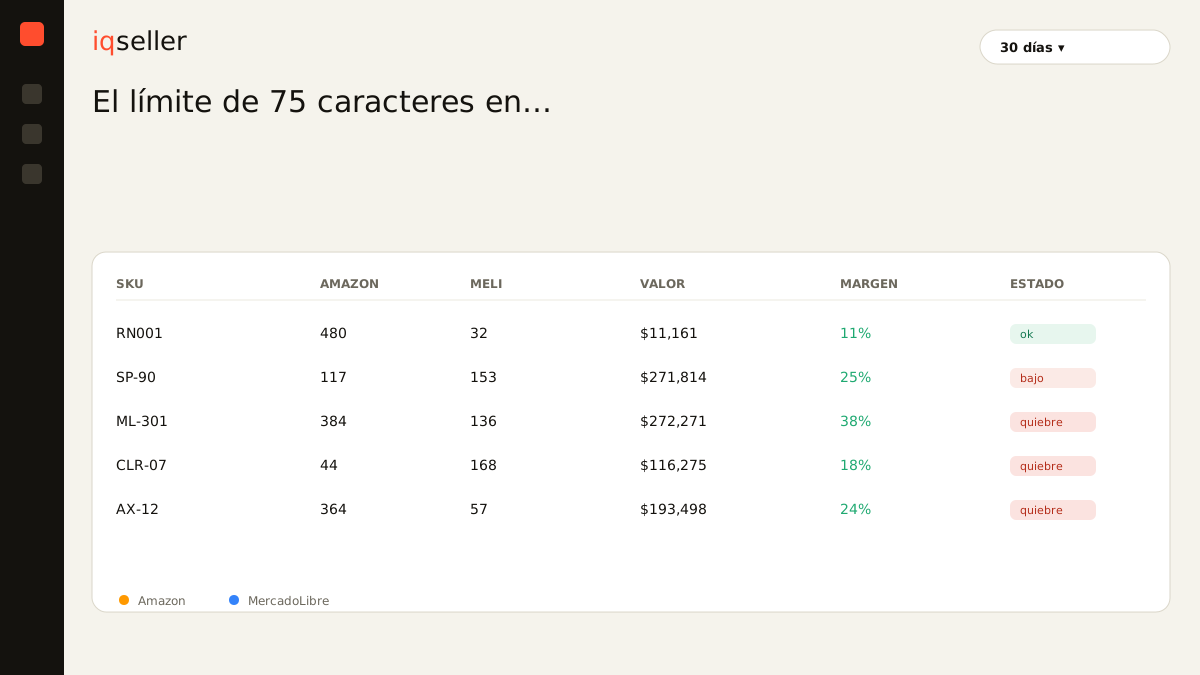
What it contributes is the view that makes a change of this scale manageable. The Catalog module holds the Parent → Model → SKU tree: the real product at the top, its models and variants below, and the Amazon and MercadoLibre listings hanging from the variant they belong to. With that structure, listings that are misaligned across channels stop being an accidental discovery and become something you can see: the same family with descriptions that no longer match, variants published on one channel and not the other, listings still pointing at a model that changed.
The other half is being able to answer whether the change cost money. The Profitability module reads net margin per SKU using the COGS you loaded, commissions from Amazon’s settlement and from MercadoLibre orders, FBA and Full fees, shipping, advertising, the VAT breakdown and withholdings. That lets you see, SKU by SKU, whether volume fell after the trim, whether ad spend rose to hold it up, or both at once. Alerts flag the SKU that moved outside its usual range — which is how you find out about a problem on listing number 180 without ever having opened it.
The panel does not write your title. It tells you which listings fell out of line and whether the change showed up in margin.
the operational summary
- The cap is 75 characters including spaces, in force since July 27, 2026, in every category except media.
- Item Highlights adds 125 searchable characters, shown with the title in search results and on the detail page. It does not replace the bullets.
- Titles over the cap were updated automatically and gradually. Enrolled brand owners got fourteen days to review and modify the proposal; sellers who were not enrolled did not.
- The change’s reach is described as global across Seller Central and Vendor Central, and Amazon Mexico sits in the covered region — confirm it in your own Seller Central account before acting, along with your category style guide.
- Prioritize inside the 75 characters: brand, what it is, the attribute that defines the variant, and only then the differentiator.
- Review the whole catalog, not just Amazon: the trim pushes your listings out of alignment across channels, and that misalignment does not correct itself.