
Why spreadsheet forecasting breaks at 200 SKUs
May 29, 2026
In the beginning your spreadsheet feels like a superpower. You have 30, maybe 40 SKUs, one tab per marketplace, and a few average formulas that tell you roughly how much you’ll sell next month. It works. You make decisions, you buy inventory, and most of the time you’re right. The trouble is that the catalog doesn’t stand still: you add variants, you enter a new category, you bolt MercadoLibre onto what you already ran on Amazon, and one day you open the file and it’s 200 rows that take ten seconds to recalculate every time you touch a cell.
And it isn’t just the lag. It’s that a forecast that used to be reliable starts lying to you without warning. A formula got dragged into the wrong row. A SKU you stopped selling is still pulling the average down. Your Amazon sales are current as of Monday and your MercadoLibre sales as of Wednesday, because you downloaded them on different days. You’re making five-figure purchasing calls on yesterday’s data, pasted in by hand, with no clear idea of which cells are still alive and which ones are already dead.
This article is about that breaking point: why spreadsheet forecasting stops scaling right when your business starts depending on it, and what changes when the forecast lives on a single real-time source of truth instead of on a sheet you feed by hand.
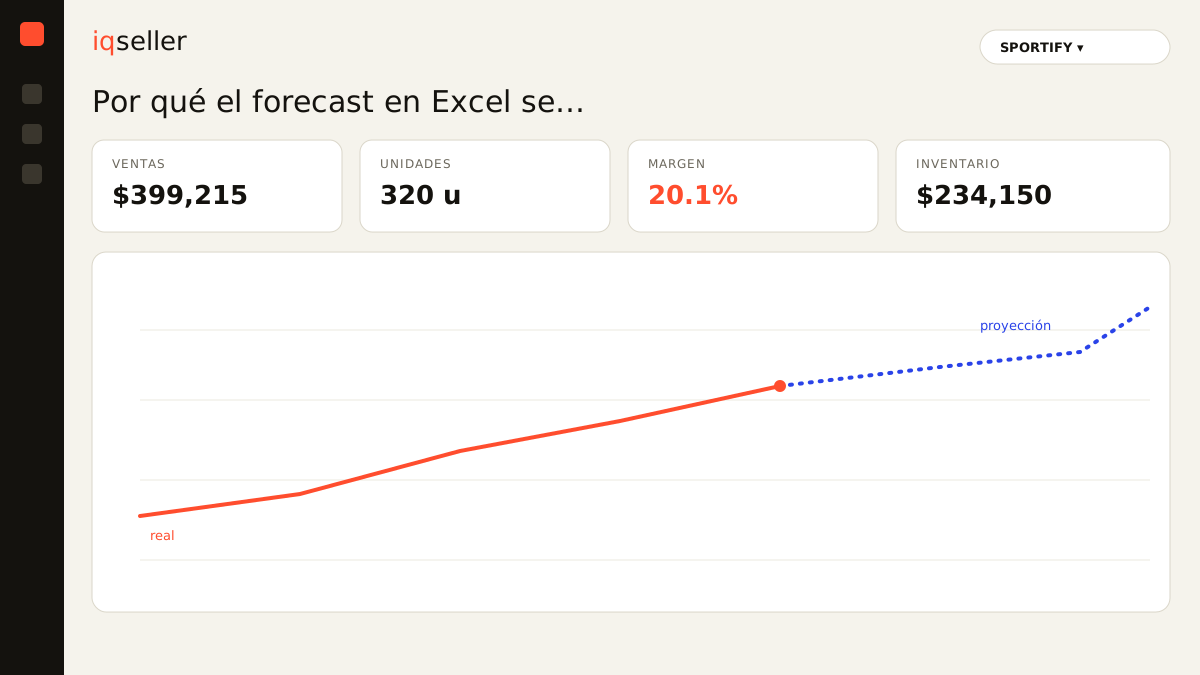
the exact moment the sheet stops working
There’s no alarm that goes off at 200 SKUs. The decay is gradual, and that’s what makes it dangerous. With 50 SKUs you scan the whole sheet in one sitting and you notice if something looks off. At 120 you no longer review the whole thing: you check the products that “feel important” and trust that the rest is fine. At 200, the sheet has become a system that nobody audits in full, not even you who built it.
The number 200 isn’t magic, but it’s representative. It’s where three curves cross: the number of formulas you have to keep in sync, the number of data sources you have to consolidate (Amazon, MercadoLibre, your 3PL, maybe Shopify), and how often the catalog changes. Each one alone is manageable. The three together, multiplying each other, are what breaks spreadsheet forecasting.
Dictionary: the forecast is the estimate of future demand per SKU; its usefulness depends entirely on how fresh and complete the data feeding it is.the invisible cost of consolidating by hand
Before Excel forecasts anything, someone has to fill it in. And that someone is you, or a person on your team, downloading reports from Seller Central, exporting the MercadoLibre CSV, asking the 3PL for inventory, and pasting it all into the right tabs. Each marketplace names its columns differently, uses another date format, and reports stock by its own logic.
That assembly process has three problems you can’t see in the finished sheet. The first is the time skew: because each source is pulled at a different moment, your forecast never reflects a single real instant of the business, but a collage of snapshots taken on different days. The second is copy error: a shifted column, a filter you left on, a paste that overwrote a formula. The third is the pure human cost: the hours that person spends consolidating are hours they don’t spend negotiating with suppliers or optimizing listings.
When inventory and sales across every channel live in one place that updates itself, the “assemble the sheet” step simply disappears. It doesn’t get faster; it stops existing as a task. The forecast is computed on data that’s already consolidated and fresh, not on a manual paste from last week.
the simple average betrays you with a large catalog
Most spreadsheet forecasts are, at bottom, an average of the last few weeks. With few products that’s enough because you know each SKU and you correct mentally: “this one I’ll push with a promo,” “this one is on its way out.” With 200 SKUs that knowledge no longer fits in your head, and the simple average starts making systematic errors nobody catches.
An average can’t tell the difference between a product that’s accelerating and one that’s falling: both can have the same 30-day average even though one is heading for a stockout and the other for overstock. It doesn’t understand seasonality, or the effect of a pricing change, or that last week you were out of stock for three days and that’s why you “sold less” (when in reality demand was higher, you just had no product). That last point is brutal: a stockout drags the average down, and the forecast then tells you to buy even less of your best seller.
That’s why it pays to separate raw sales data from the real demand signal. Sales velocity adjusted for in-stock days says far more than a flat average, and at the scale of 200 SKUs that difference is what decides which products you forecast well and which ones blow up in your face.
a per-channel forecast is not a forecast of the business
Here is one of the most expensive mistakes of the multichannel spreadsheet approach: forecasting each marketplace separately. You have an Amazon tab, a MercadoLibre tab, each with its own forecast. The problem is that inventory is often shared, especially if you ship from a common 3PL or your own warehouse.
If Amazon forecasts it needs 80 units and MercadoLibre forecasts 60, but both draw from the same physical pool of 100, your sheet is telling you to buy for 140 when the reality of combined demand is something else, and the allocation between channels is a separate decision. Forecasting the SKU’s total demand and then deciding how to split stock between channels are two distinct steps, and Excel with separate tabs confuses them permanently.
Dictionary: days of inventory tells you how long your current stock lasts at the present sales rate; with inventory shared across channels, that number only makes sense if you compute it on total demand, not channel by channel.When every channel shares a single view of stock and demand, the forecast stops double-counting and the coverage calculation is done once, properly, on the number that actually matters.
fragile formulas and the ghost SKU
Every large spreadsheet accumulates debt. Formulas pointing at ranges that are no longer correct because you inserted rows. Broken references flagged #REF! that someone will “fix later.” Discontinued SKUs you never deleted that still weigh on the totals. New variants you added as loose rows without the formulas the others have, so their forecast is simply zero and nobody notices until you run out of product.
On top of that sits the question of who maintains the sheet. While you built it, you know where the tricks are. The day you hand it to someone else, or the day you yourself open it three months later, that sheet is a black box. The forecast logic is scattered across hundreds of cells, undocumented, impossible to audit at a glance.
The fundamental difference with a system is that the forecast logic lives in one place and applies the same way to all 200 SKUs, with no orphan rows or half-dragged formulas. If you add a new product, it enters the same calculation engine as everyone else; there’s no “remember to copy the formula.”
from yesterday’s snapshot to the live film
The deepest flaw of spreadsheet forecasting isn’t any of the above on its own: it’s that the whole sheet is a snapshot. You took it the day you downloaded the reports, and from that moment it starts aging. By the time you use it to decide a purchase, days have passed, sales happened that aren’t recorded, and a couple of products changed pace.
Deciding from an old snapshot forces you to pad buffers everywhere “just in case,” and those buffers are either tied-up capital or stockouts that happen anyway. The alternative isn’t a more sophisticated sheet, but changing the nature of the data: moving from a snapshot you update to a film that updates itself. When today’s sales are already reflected in today’s forecast, the reorder point stops being a hunch with an inflated safety margin and becomes a number you can defend.
Dictionary: the reorder point is the stock level that triggers a new purchase; its accuracy depends directly on how up to date the forecast feeding it is.what changes when the forecast lives on live data
This isn’t about Excel being bad. It’s an extraordinary tool for exploring, for prototyping a forecasting idea, for a one-off calculation. The point is different: Excel is a canvas, not a system. At 200 SKUs and three or four channels, what you need is no longer a canvas you repaint every week, but a system that keeps the forecast alive without anyone feeding it by hand.
That’s what changes when the forecast rests on a single multichannel source of truth: the consolidation task disappears, the ghost SKUs disappear, the channel skew disappears, and demand is computed on the real signal adjusted for out-of-stock days. You don’t make better decisions because you have a smarter formula; you make them because you’re finally deciding on today’s business instead of last week’s collage.
If your sheet is already slow to open, if you find paste errors often, or if nobody on your team wants to own the file, it’s not that you lack discipline with Excel. It’s that your catalog crossed the point where the sheet stops scaling. For a seller like SPORTIFY shipping across Amazon, MercadoLibre and a 3PL at the same time, that point arrives faster than it looks, and recognizing it in time is what separates a well-made purchase from a stockout in the middle of peak season.