
Marketplace commission invoices: how to get them on Amazon and MercadoLibre
October 8, 2026
There is one file almost no new seller downloads, and it is worth money every single month: the CFDI the marketplace issues for its own commissions. It is not the receipt you give the buyer, and it is not the settlement report you read in the dashboard. It is a tax invoice made out to your RFC, issued by Amazon or by MercadoLibre, for the service they charged you: referral commission, fulfillment fees, advertising, the monthly subscription.
Most sellers skip it for an understandable reason: the dashboard already shows the deduction. If Amazon paid you less because it kept its commission, why chase a piece of paper? Because a deduction on a statement is not a tax document. Without the CFDI, that commission is not a deductible expense and the VAT inside it is not creditable. You paid the tax and then lost it.
The problem compounds when you sell on two or three channels. Every platform issues its documents somewhere else, on its own cadence, in its own download format. Nobody tells you which ones are missing. Your accountant asks for “the commission invoices”, you send the sales report instead, and the month closes with an expense that is only half recognized.
This article explains what that document is, why it moves your margin, and where to find it on each channel. It is educational material, not tax advice: your specific situation — entity type, tax regime, obligations — is your accountant’s call.
what the commission invoice actually is
When you sell on a marketplace, two separate transactions happen even though the money moves only once. First: you sell a product to a buyer. Second: the platform sells you an intermediation and logistics service, and charges you for it by netting it out of your payout. Two commercial relationships, each with its own document.
For the first one, you issue the document (or the platform issues it on your behalf, depending on the tool you use). For the second one, the platform owes you a document: it is their sale of services to your RFC. That is the commission CFDI. Inside it you find the service amount and the VAT, itemized.
The usual confusion comes from mixing it up with two files you already know well. The settlement report — Amazon’s settlement, MercadoLibre’s charge detail — is operational information: it tells you what the platform charged and for what, order by order. It is enormously useful for understanding margin, but it is not a tax document. And the withholding CFDI is a third thing entirely: it certifies the income tax and VAT the platform withheld and remitted on your behalf, not the service it sold you.
Three documents, three jobs. The report explains, the withholding CFDI proves what was withheld, and the commission CFDI backs the expense. If the third one is missing, no amount of detail in the first one replaces it.
why a missing document makes the commission cost more
This is the heart of it. The commission the marketplace charges you is a business expense, and like every expense it carries VAT. That VAT is neither yours nor the platform’s: it is creditable, meaning you can subtract it from the VAT you collected on your sales. But the condition for crediting it is not having paid it. It is holding the tax document that proves it.
Without the CFDI, two things happen at once. First, the commission amount does not count as a deductible expense, so your taxable profit looks larger than it is. Second, the VAT inside that commission stops being creditable and turns into pure cost. You no longer subtract it from the VAT you collected, and that money leaves your pocket for good.
An example makes it concrete. Say your platform charges for one month added up to $40,000 plus VAT, so $46,400 was netted out of your payouts. With the CFDIs in hand, the $40,000 is a deductible expense and the $6,400 of VAT is creditable. Without them, you fail to deduct the $40,000 and you eat the $6,400 on top. The effect on the month’s result runs into thousands of pesos, every month, because nobody opened one section of the dashboard.
Multiply that by twelve months and two channels and you see why the commission CFDI is one of the most profitable files you can download. It is not paperwork: it is margin you already paid for and can still recover.
Glossary: real net margin, with everything deducted →where to get it on amazon
In Seller Central, Mexican tax documents live apart from the payments reports. The route sellers and invoicing guides describe is the Reports area, inside a fiscal document library that lists the Mexican invoices Amazon issues to your RFC. That is where the platform’s own charges show up: referral fees, fulfillment fees, advertising, and the professional plan subscription.
There is a prior step that decides whether those documents come out usable or useless: your account’s tax settings. If your RFC is not loaded, or is loaded with a name or regime that does not match your official tax status certificate, the documents are issued with data your accountant cannot work with. The CFDI use is also chosen in those settings, and it is worth reviewing with whoever keeps your books before the first documents of the month are generated.
Do not confuse that library with the Payments area, where the settlement report lives. There you download the flat file with every transaction in the period: sales, commissions, refunds, adjustments. That file is your best source for understanding the real margin of each order, but it does not replace the tax document.
Amazon reshuffles Seller Central’s navigation often, and section names shift between interface versions and languages. Treat this as the general map and confirm the current path in Seller Central help or with platform support before concluding that a document does not exist.
where to get it on mercadolibre
On MercadoLibre the path is different because the charges live next to the money. Invoices for selling commissions, Mercado Envíos and related charges are pulled from the billing and charge-reports area of your seller account, where you pick the period and download the corresponding tax invoices. Meli’s official help documents that flow and offers a bulk download so you are not clicking through them one by one.
In that same place, and in the Mercado Pago panel, sit the reconciliation reports: the period detail, the settlements report and the account statements. Those are the files your accountant uses to tie each charge to each sale, and the ones you use to see what the platform kept and under which concept. That map of charges is worth learning properly; we break it down in MercadoLibre fees 2026: how they work and what you pay.
The requirement never changes: your tax details must be complete and correct in the profile. MercadoLibre issues documents with whatever it has on record, and fixing an invoice after the fact takes more time than checking the profile once.
Just like Amazon, the interface moves. Section names change, menus get reorganized, and downloads occasionally migrate from one panel to another. Confirm the current path in MercadoLibre’s help center instead of hunting blindly for a button that now goes by another name.
how much a seller leaves on the table
The loss never feels like a loss, because it never shows up as a charge. There is no line that reads “VAT you failed to credit”. You simply pay more tax than you owed, and your accounting profit stops resembling your real profit.
To size it in your own business you do not need anyone’s benchmark, you need your own number. Take one closed month, add everything the platforms charged you for commissions, logistics, advertising and subscription, and split it into base and VAT. That base is the expense you are failing to deduct if you hold no documents; that VAT is money you are handing over. Two or three months in, the annual magnitude is obvious.
Then check coverage. Of that total in charges, what share has its CFDI downloaded and delivered? If the answer is “not sure”, that is your first finding. The pieces that slip away are the least visible ones: advertising, adjustments, storage fees and optional service charges billed outside the normal commission cycle.
It is also worth cross-checking against the settlement report. If the settlement says the platform charged you under ten different concepts and your folder for the month holds seven documents, there is the gap, measured instead of guessed. That cross-check is exactly the work that makes a manual month-end close so heavy.
the monthly routine that closes the gap
What works is not remembering, it is having a short, fixed procedure. A reasonable routine, to be tuned with your accountant, looks like this:
- One folder per month and per channel. Amazon and MercadoLibre separately, with XML and PDF together. The XML is the tax document; the PDF is only its printable representation.
- Download on a fixed date. The first days of the following month, once the prior period’s charges are closed and invoiced.
- All three documents, not one. Commission invoice, withholding certificate and the period’s settlement report. Each answers a different question and your accountant needs all three.
- One cross-check against the report. Confirm that every charge type appearing in the settlement has its matching document.
- A yearly review of your tax details, plus a review every time your regime, address or legal name changes.
It sounds obvious until you are running a hundred and twenty SKUs, two channels and a peak season on top. That is where it collapses, and that is how one month without documents quietly becomes a year without them.
how this reads in iqseller
The iqseller panel does not issue or download CFDIs, and that deserves to be said plainly: that errand lives in Seller Central, in the MercadoLibre panel and in the SAT portal, and the bookkeeping belongs to your accountant. What the panel does is put in one place the information that tells you which documents you should be chasing, and for how much.
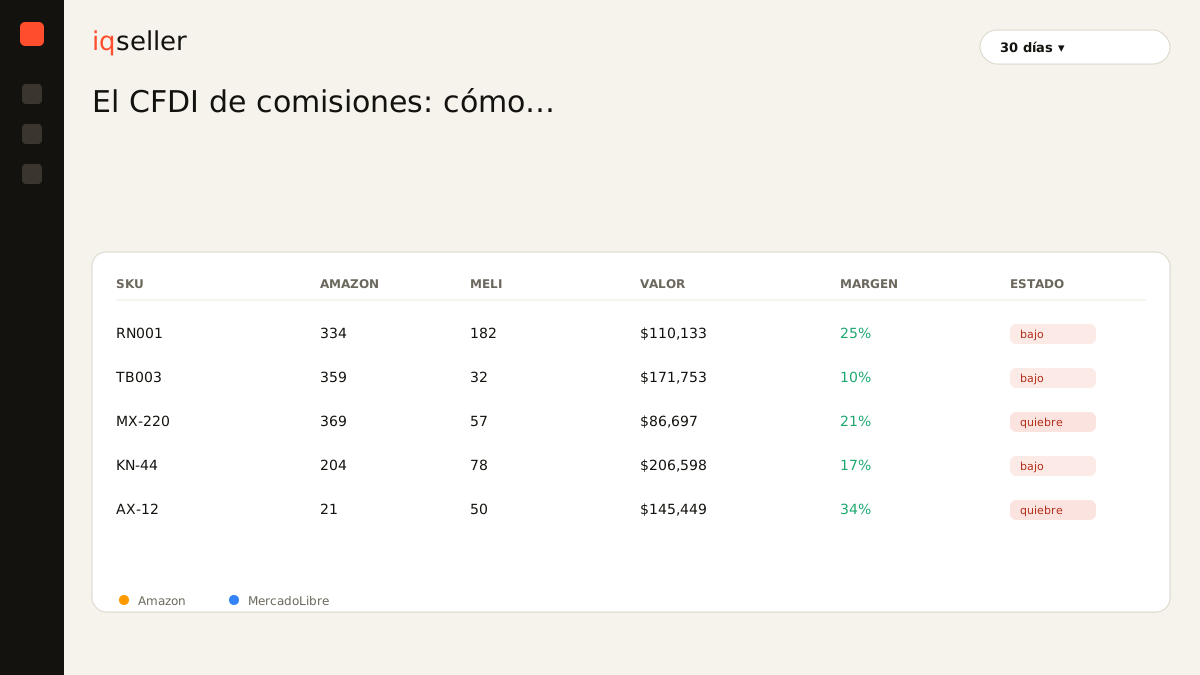
The Profitability module pulls the real commissions from Amazon’s settlement and from MercadoLibre orders, the FBA and Full fees, shipping and advertising, and separates them by channel and by SKU alongside the COGS you loaded. VAT and withholdings appear in the same breakdown, which is exactly the split your accountant needs when they ask how much of a charge is base and how much is tax. With that, you can check in one view that the month’s commission total matches the documents already sitting in your folder.
It works in the other direction too: spotting the charge you were not expecting. When the Alerts module flags that a channel’s commissions broke their usual pattern, that anomaly often traces back to a new concept that also carries a document nobody was downloading. Seeing the number and the paperwork on the same monthly rhythm is what turns the download into a routine instead of a rescue operation.
Glossary: real-time sync, what it actually means →what to take away
The commission CFDI is the document the platform issues for what it charges you, and it is different from both the settlement report and the withholding certificate. Without it, the commission is not deductible and its VAT stops being creditable: two hits to the same bottom line.
On Amazon you look in the reports area, inside the Mexican fiscal document library; on MercadoLibre, in the billing and charge-reports section of the seller account. Both interfaces change often, so confirm the current path in each platform’s help center before concluding the document is not there.
And most importantly: this is an operational explanation, not tax advice. What you can deduct, how your VAT credit works and which documents your regime demands are decisions for your accountant. Your job is to bring the complete paperwork and a clear number; the tax judgment belongs to whoever signs your filing.